Groups · the planner
How do I run this every week?
The planner does one job well: it gets a leader from “we’re doing this study” to a well-run night, every week. It is not a church database.
Leaders sign in to plan. Planning notes stay in the leader’s own browser.
From first plan to follow-up
- 01
Create a group
Name it, choose who it is for (which sets the age rules) and pick a study.
- 02
Plan the term
Drop the sessions onto a calendar, skip holiday weeks, and add the term to Google, Apple or Outlook calendars.
- 03
Prepare each week
A run sheet with timings for 60, 70 or 90 minutes, the leader guide, which films to play, what to print and how many copies, and a checklist.
- 04
Share the rota
Who hosts, who brings food, who leads the talk and who covers safeguarding. Adult helpers only.
- 05
Invite the group
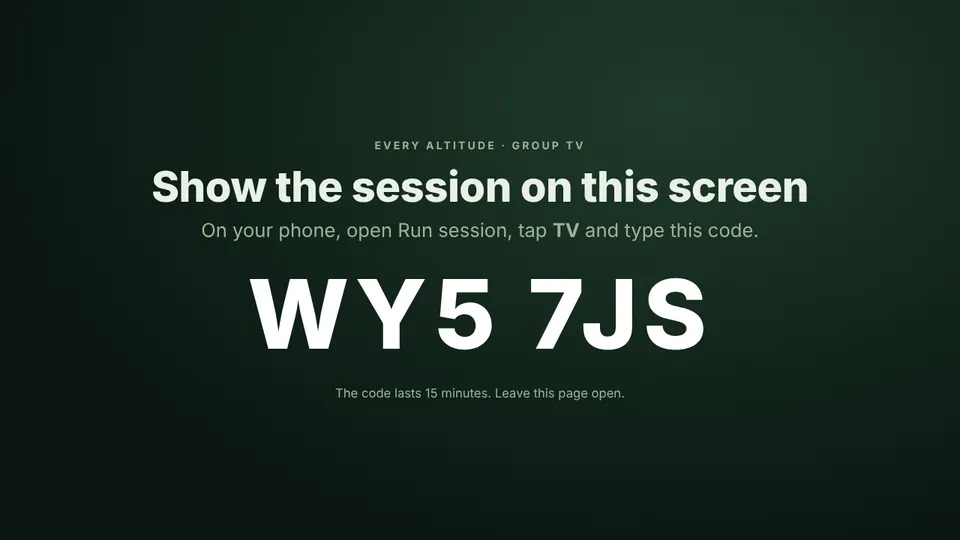
A join code or QR code on the TV. Nobody needs an email address to join a session.
- 06
Run the night
The TV shows the session and your phone is the remote.
- 07
Follow up
The week’s Take-Away Challenge for adult members, and a private note to yourself for next week.
On the night
A join code on the TV, your phone as the remote
Open the TV page, type its code on your phone, and the room follows along. Members join with a code, not an email address.
Age rules
Built in, not optional
Under 18
Members join with a code and a first name or nickname only. No email, phone or photo is stored, answers stay on their own device, and the leader sees a headcount, not individual answers.
Adults
Adults can choose to give an email for reminders, and can delete their account and data themselves.
Leaders and helpers
Adult accounts only. A church admin confirms each one has been through the church’s safeguarding checks before they can lead a youth group.
Later
For whole churches
One church account holding many groups, an overview of which studies are running, and seats for leaders.
For churchesWorks alongside
The tools you already use
Linking to the church management tools many churches use, so group names come across, is being looked into. Nothing is promised until it has been checked.