For leaders and churches
Lead the session from your phone
Step through the session on your phone. The TV shows the part you are on, in large type for the room, and anyone with the app can follow on their own phone.
On the night
Three steps to a session on the big screen
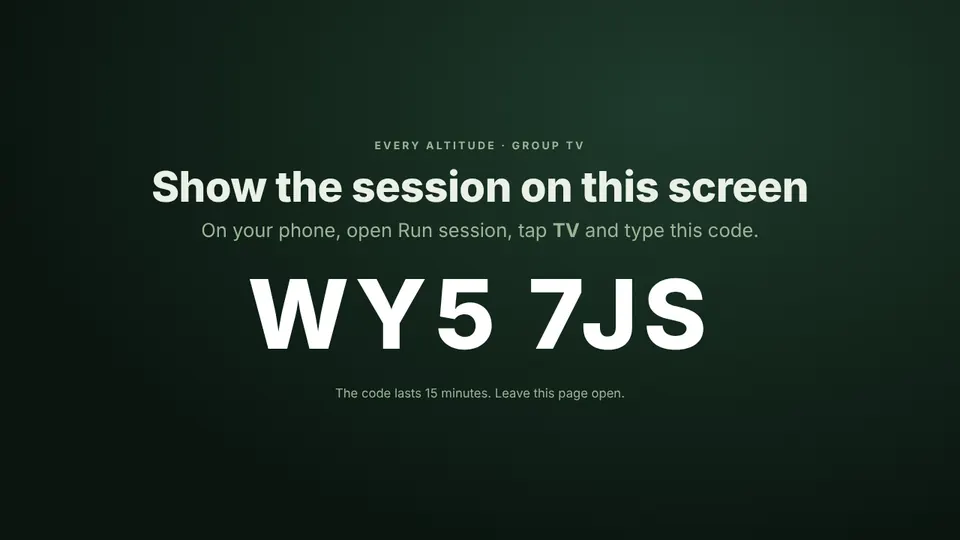
- Open everyaltitude.com/tv on the TV, laptop or tablet. It shows a short code.
- On your phone, open Run session and tap TV. Type the code you can see.
- Step through the session. The TV follows, and so do the phones of anyone who taps Follow.
Screen mirroring only ever copies your phone. The TV page shows the session itself, without your notes or the leader material.
Your group
People, without the paperwork
Add people by name
Add someone with just their name. The app makes them a username and a starting password, which you send with your phone’s own share button.
They choose their password
The first time someone signs in, they choose their own password, so you never need to know it.
Pause, don’t delete
Pause someone for a week or until you unpause them, with a reason only leaders see. They can sign in again when you are ready.
Safeguarding
Built for groups with young people
Groups can include 16 and 17-year-olds, so the app stores no email addresses, phone numbers or photos. A person’s account holds their name, their group and a scrambled form of their password, nothing more.
Preparing
Leader guides
Each session has a leader page in the app and a printed leader guide, with background reading, the verses quoted in full and example answers that only leaders see.